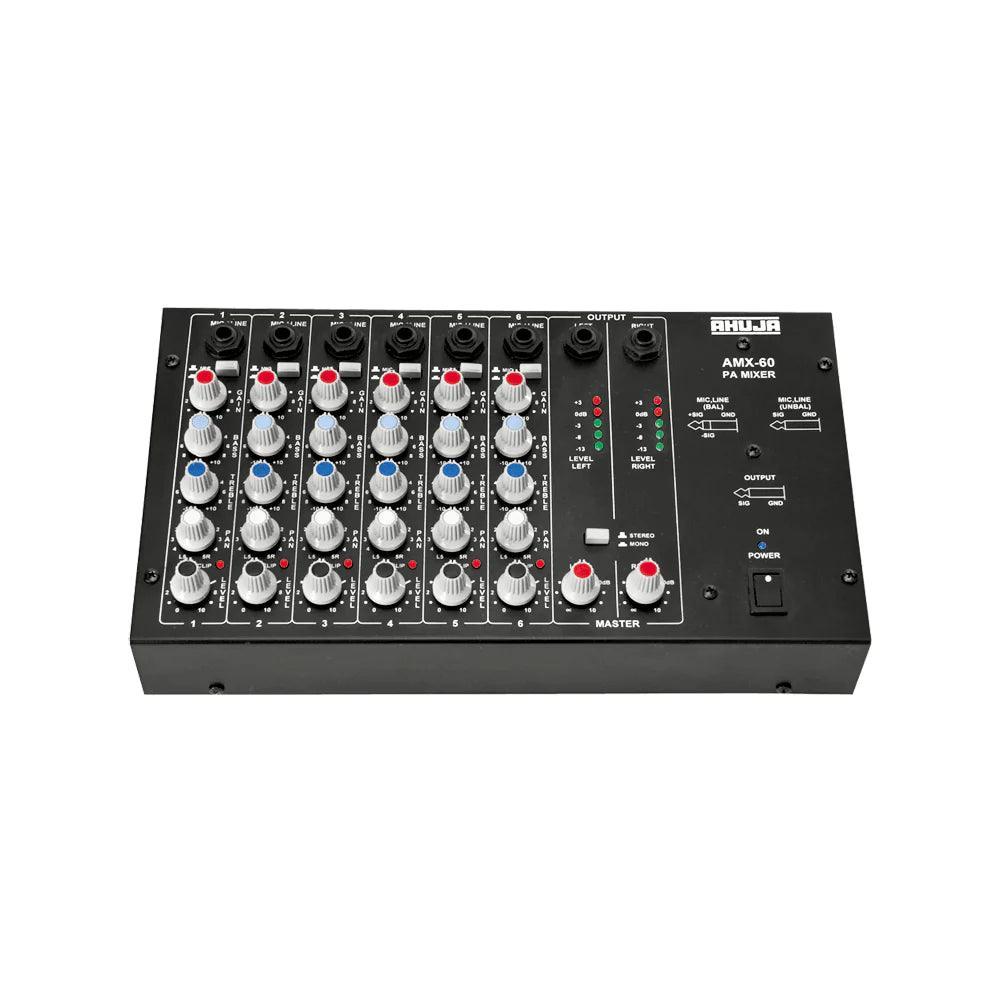
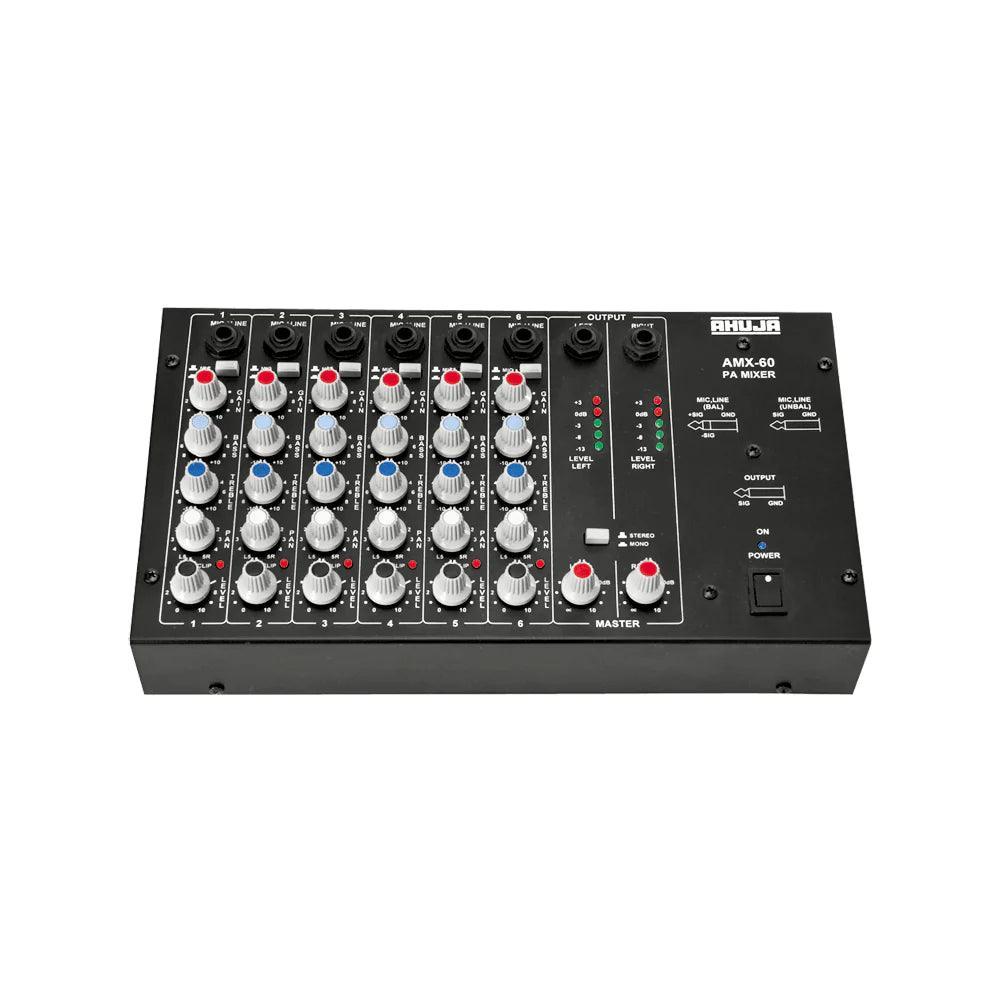
Ahuja AMX60 General Purpose 6 Channel PA Mixer Preamplifier


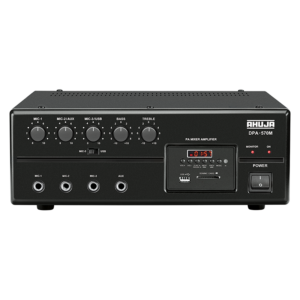
Are you looking for a powerful and reliable mixer preamplifier to bring your sound system to the next level? The AHUJA AMX60 General Purpose 6 Channel PA Mixer Preamplifier is the perfect solution for you. This mixer preamplifier offers a variety of features and specifications to ensure an optimal audio experience.
FEATURES
- General Purpose 6 Channel PA Mixer Preamplifier
- Input Channels: Each Channel has a 1/4” balanced phone jack for Mic/Line & accepts both balanced & unbalanced signals.
- MONO/STEREO Output: Mono output is available from either Left or Right output jacks when the switch is in ‘Mono’ position.
- Each channel has Gain, Bass, Treble, PAN and Level controls with Clip LED indicator.
- Individual five-segment LED array for left and right outputs.
SPECIFICATIONS
| Power Requirements | AC: 220-240v 50/60Hz |
|---|---|
| MIC Input (Impedance/Gain) | 2kΩ Balanced/62dB, 1kΩ Unbalanced/62dB |
| LINE Input (Impedance/Gain) | 20kΩ Balanced/42dB, 10kΩ Unbalanced/42dB |
| Distortion | < 0.1% |
| Frequency Response | 20Hz-18 kHz (-1dB) |
| Tone Controls | Bass: ± 12dB at 100Hz, Treble: ± 12dB at 10kHz |
| Line Output (RATED/MAX) | 0dBm/+18dBm (775mV/6.5V) |
| Signal to Noise Ratio | > 68dB |
| Dimensions | W295 X H70 X D180mm |
| Weight | 2.4Kg |
HOW IT WORKS
1. Connect the mixer preamplifier to power.
2. Connect mics, instruments, or other audio sources to the input channels.
3. Use the Gain, Bass, Treble, PAN and Level controls to adjust the audio.
4. Use the Mono/Stereo switch to select the desired output.
5. Connect the output to your amplifier or speaker system.
PRODUCT FAQ
Q: Does this mixer preamplifier have a mono output?
A: Yes, the Mono output is available from either Left or Right output jacks when the switch is in ‘Mono’ position.
Q: What is the power requirement for this mixer preamplifier?
A: The power requirement is AC: 220-240v 50/60Hz.
”
No specifications available.
No use cases available.
No downloads available.